Getting Started
Free User
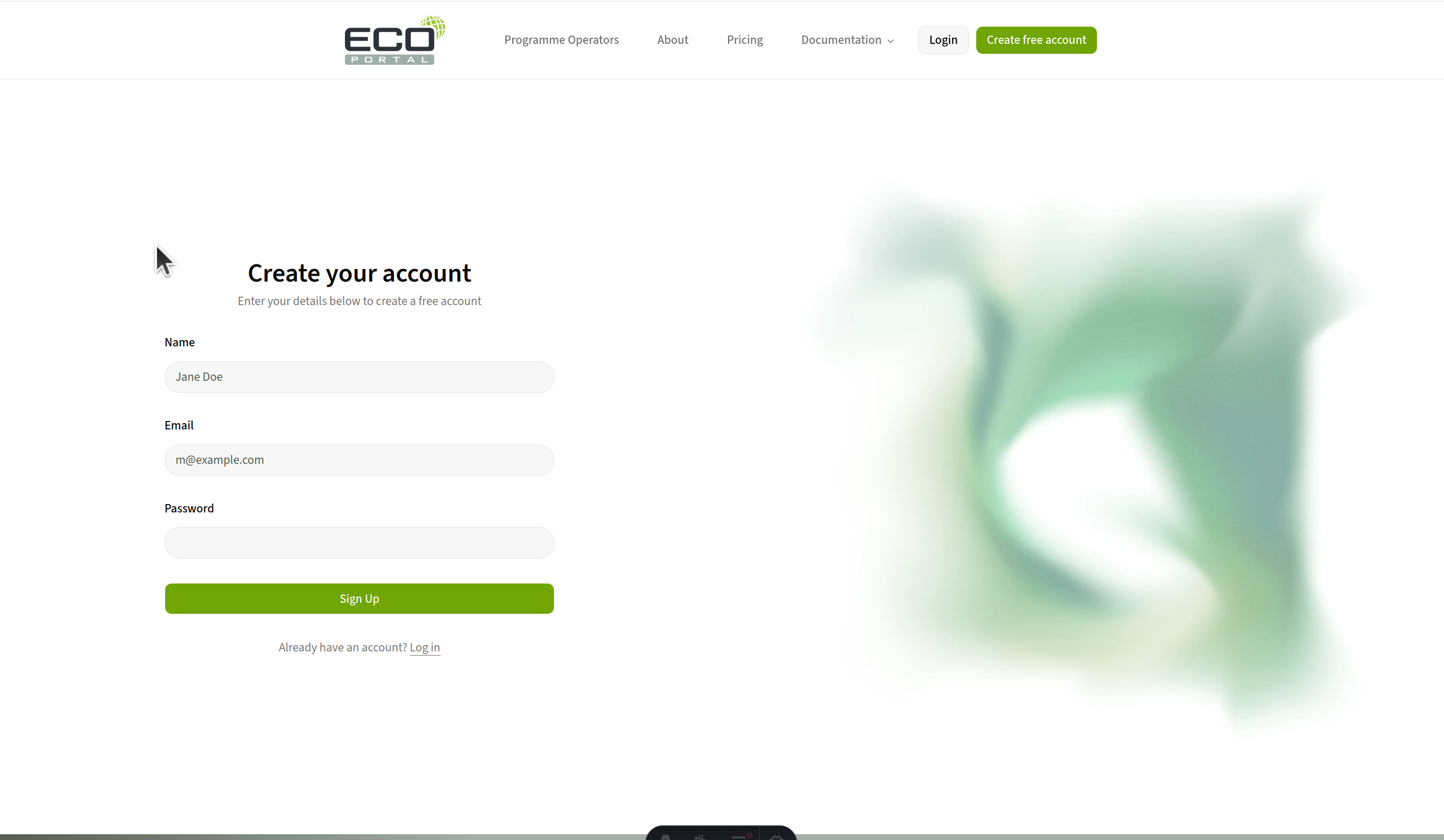
Create your account
- Go to the ECO Portal website
- Click “Create free account” and fill in the account form
- Check your email inbox for a verification message from the ECO Portal
- Click the link in the verification email to confirm your email address
- Once verified you are also logged in
Your first steps
Once you are signed in:
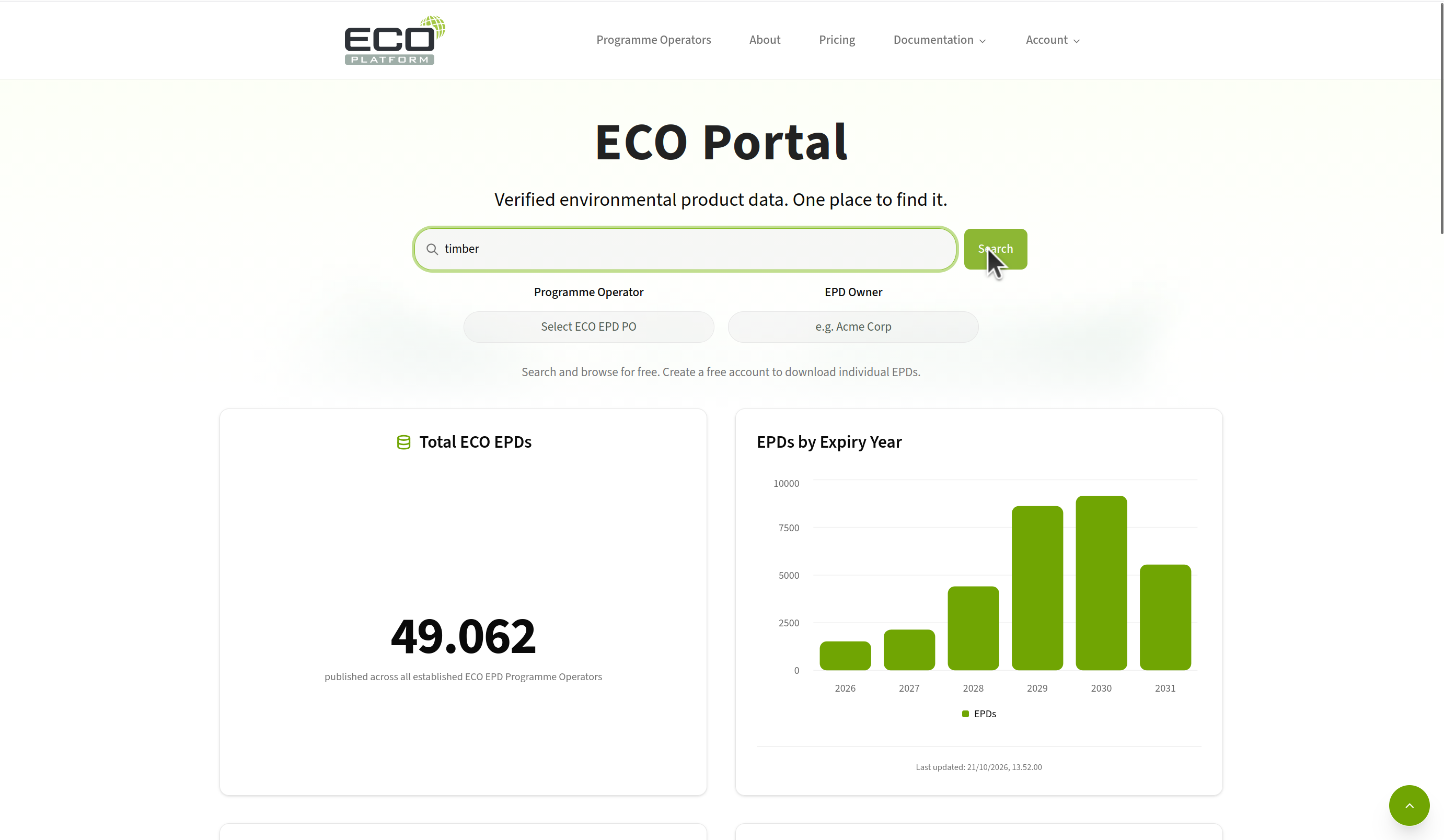
- Go to the landing page
- Search for a product using the search bar
- Click on an EPD result to view its details
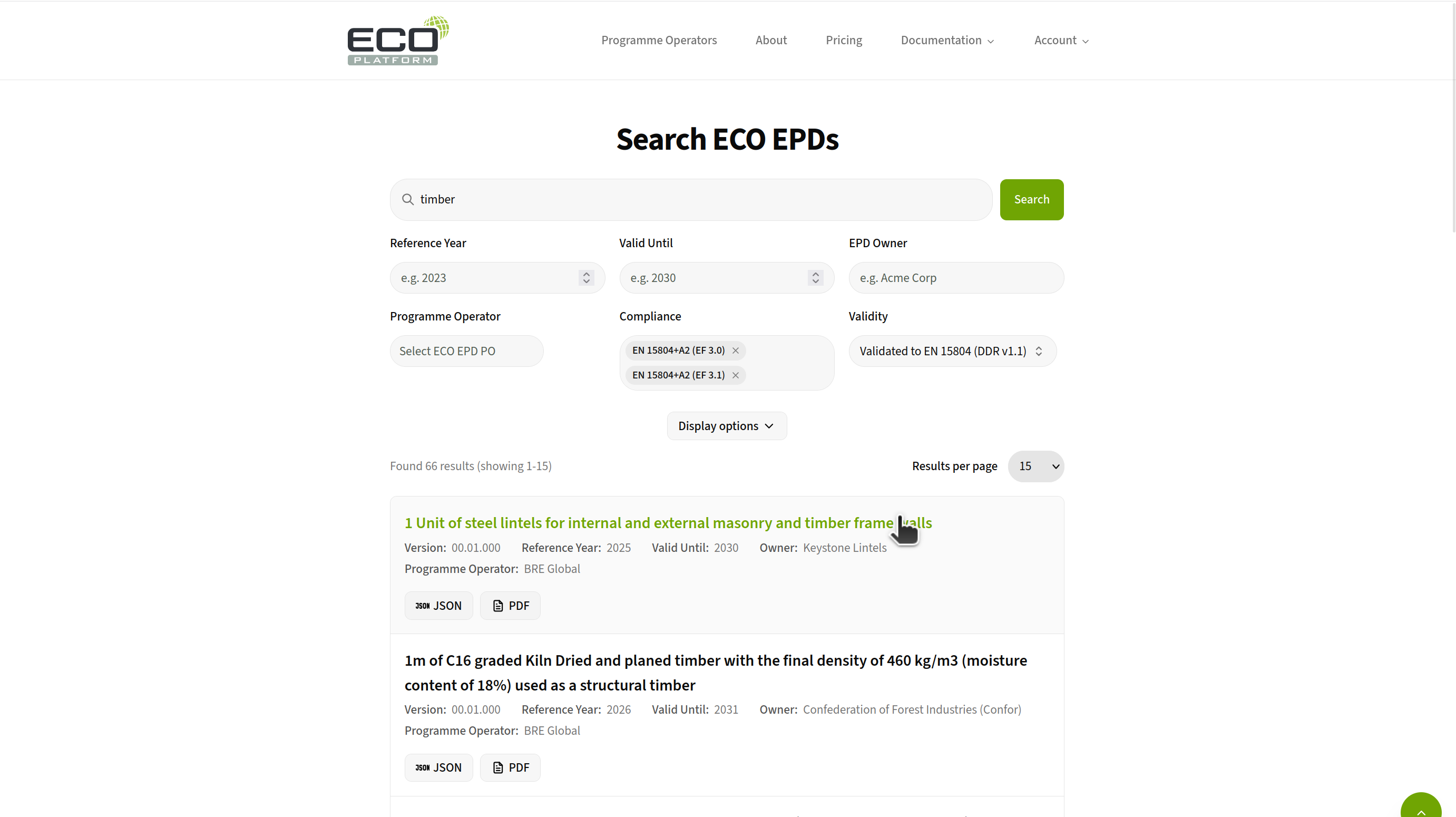
- Explore different filtering options (product type, owner, etc.)