Self-Service PO Node Management
Program Operators can configure and maintain their node settings directly on their organization page of the ECO Portal: The settings can be found at the bottom of the organization page.
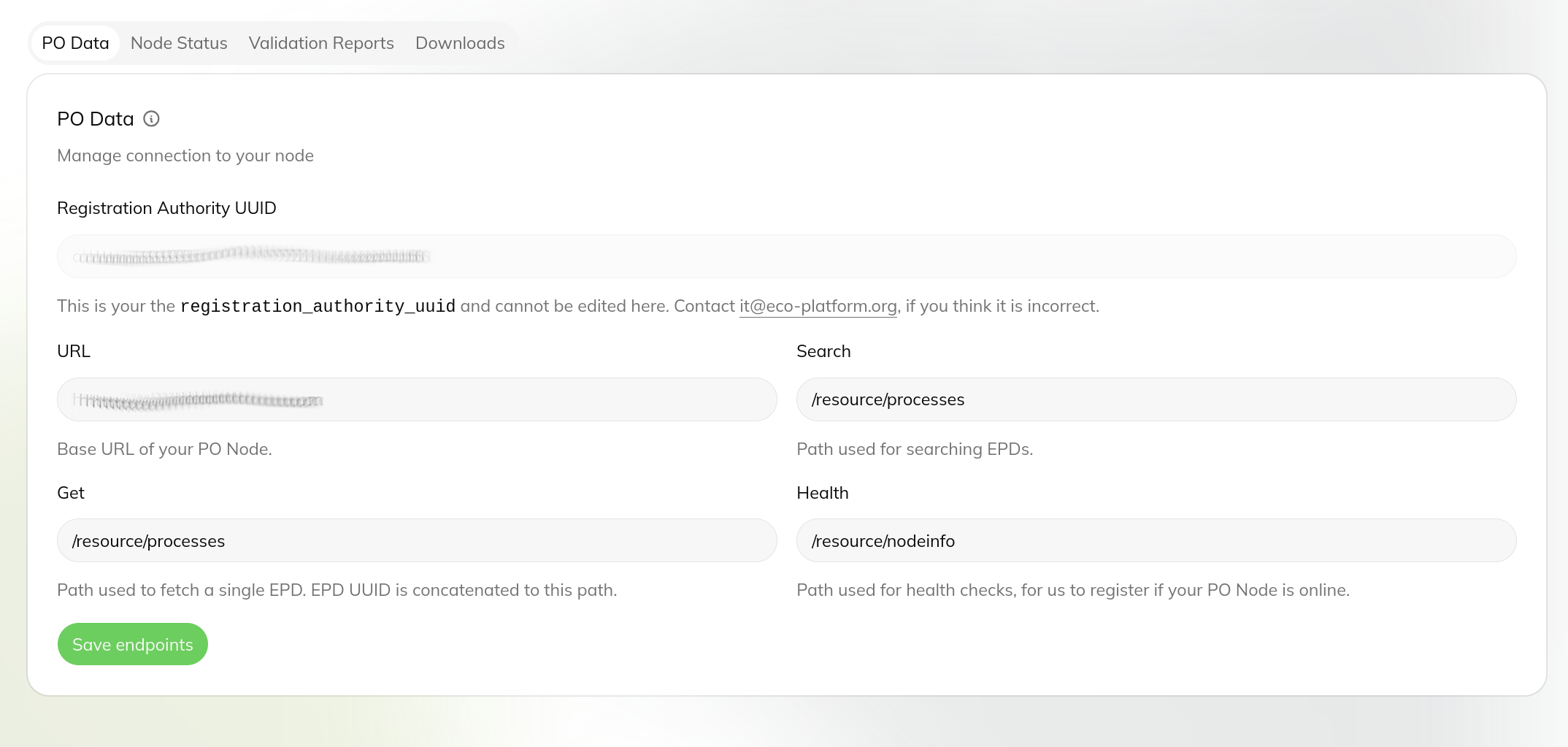
PO Data
Shows the connection data between this PO organization and your PO Node.
Your Registration Authority UUID is read-only.
Enter the base URL and the search, get and health endpoint paths of your node — the portal uses them to search and
fetch EPDs from your node and to check that it is online.
Changes take effect after you press ‘Save endpoints’.
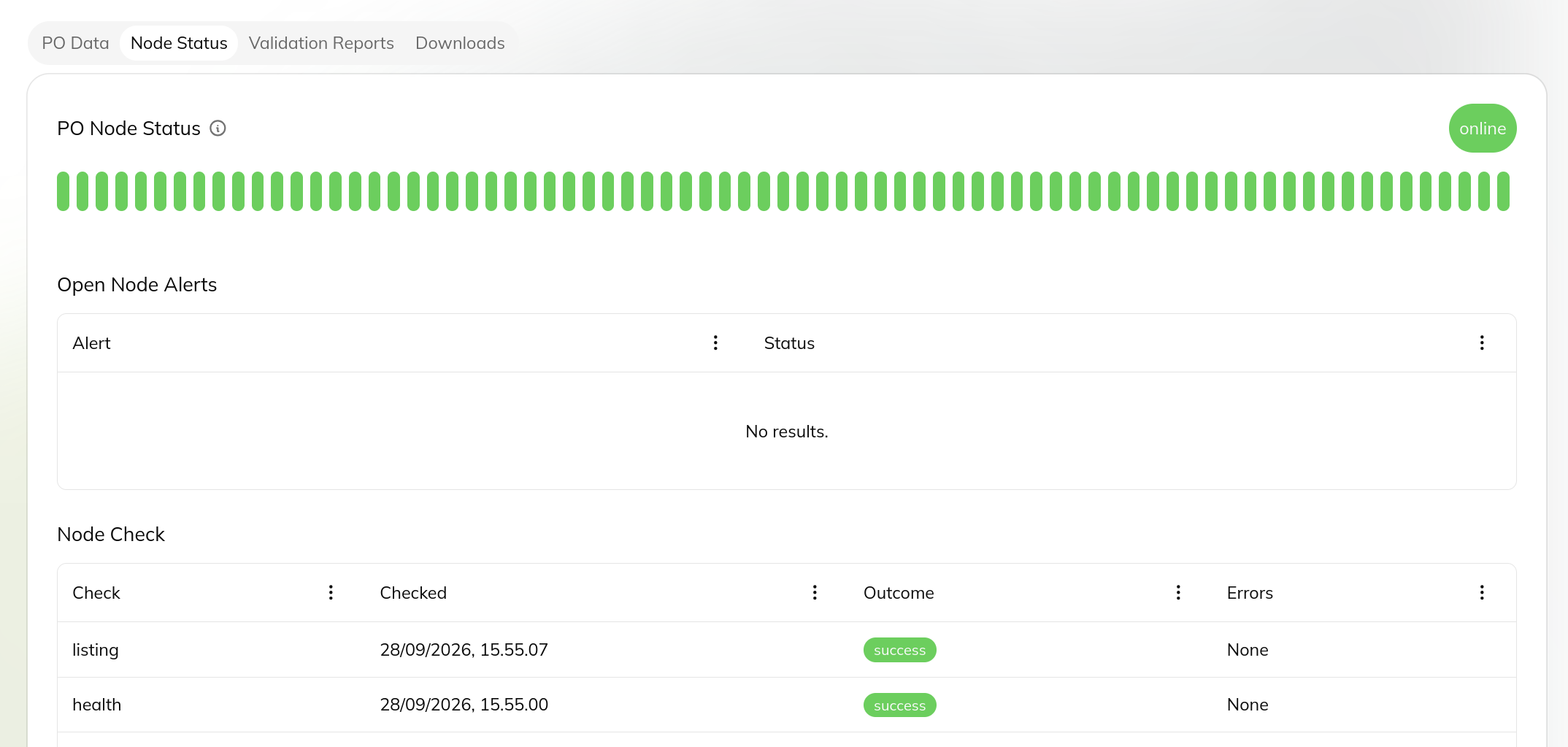
Node Status
Live overview of your PO Node.
Shows whether the node is currently online, the last 75 health checks (green = success, red = failure — hover a bar
for details), any open Node Alerts, and the latest node checks.
Turn on Node Alert Opt-in to receive an email whenever an alert opens or closes.
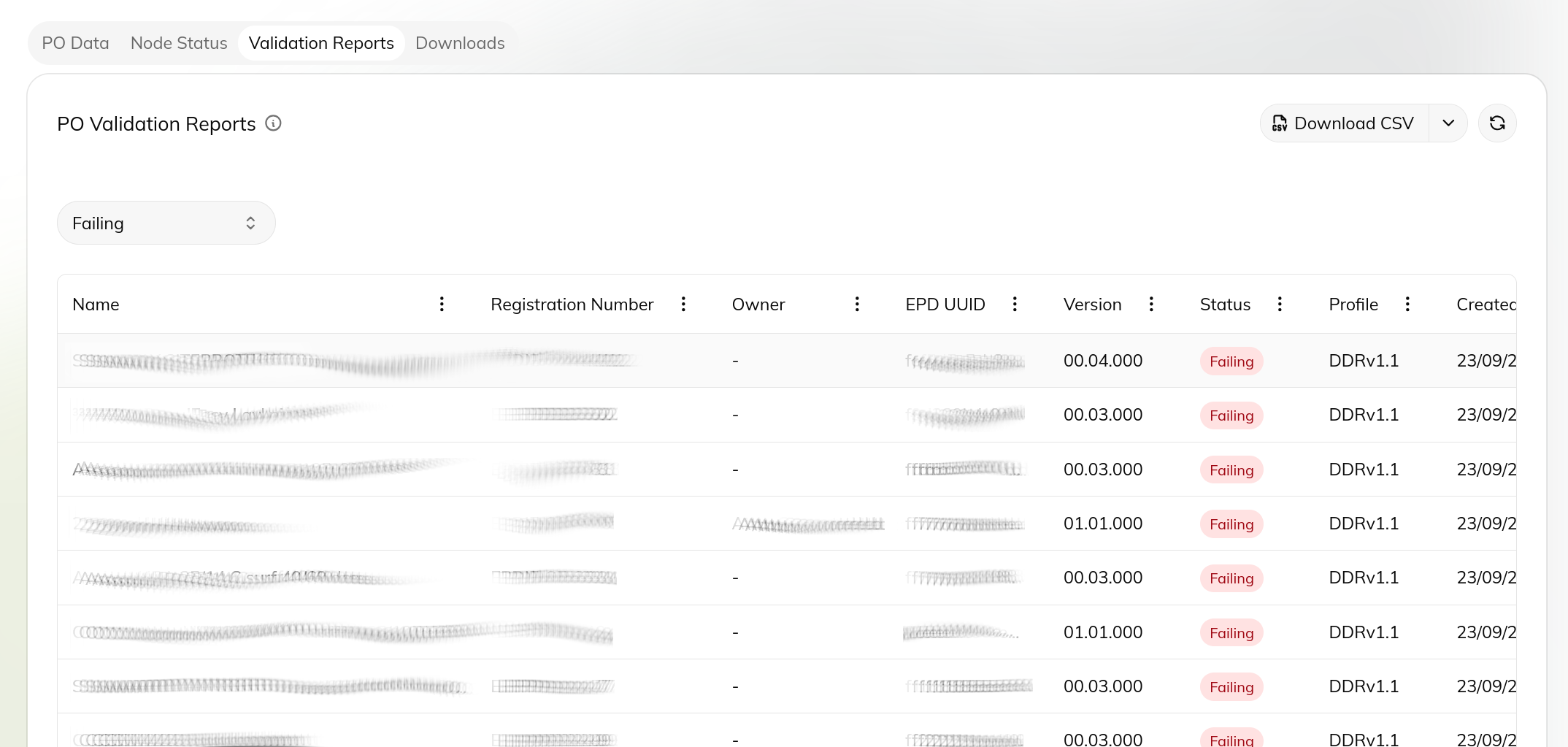
PO Validation Reports
Results of automatic quality validation of the EPDs published from your node.
Filter by failing or passed validations, sort and filter columns, and click a row to open the full quality report
for that EPD.
The summary at the bottom shows totals for all your EPDs.
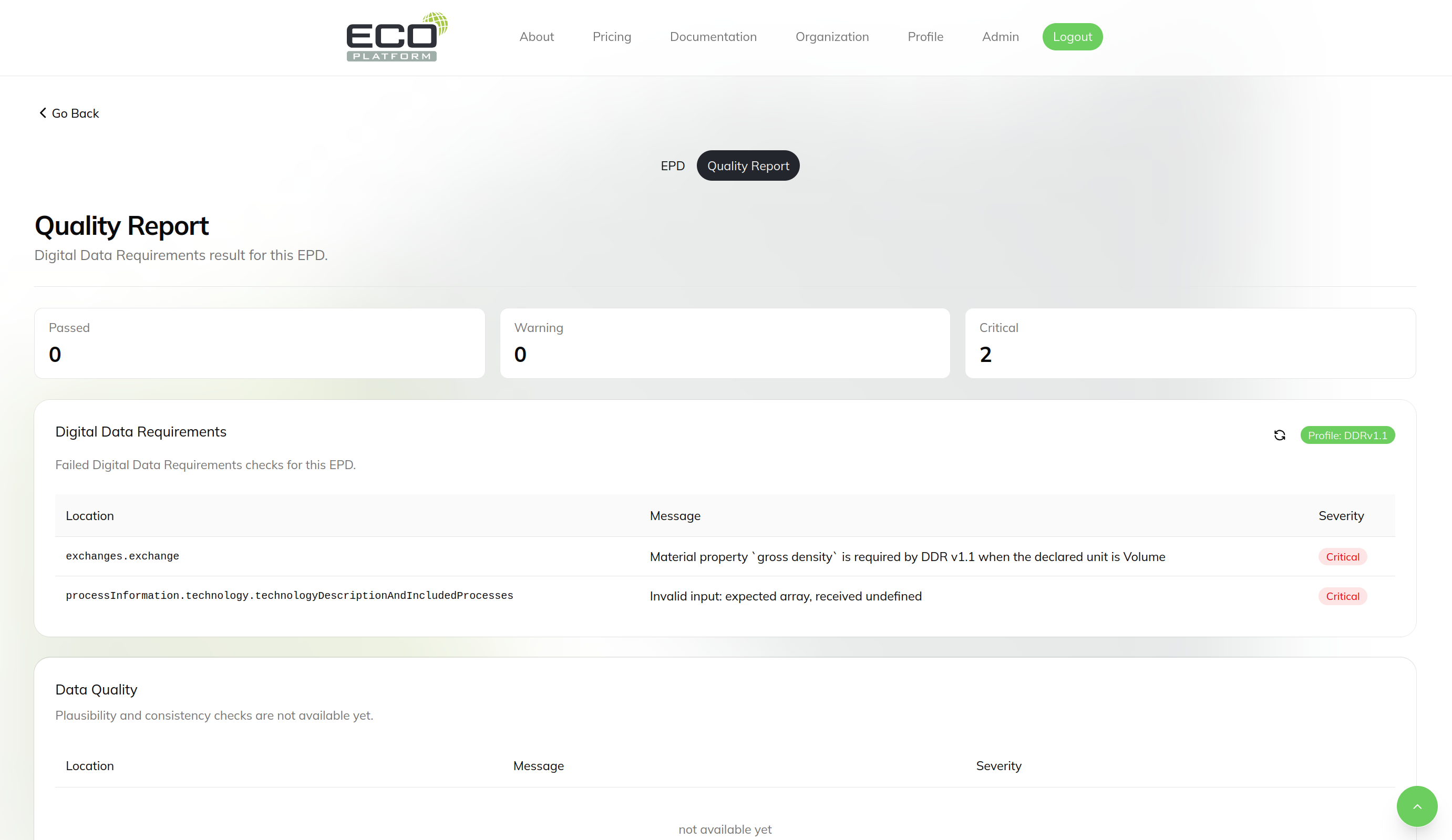
EPD Quality Report
Clicking on a validation report row, will take you to the quality report for that page.
Here it is possible to the exact errors the caused the failing validation.
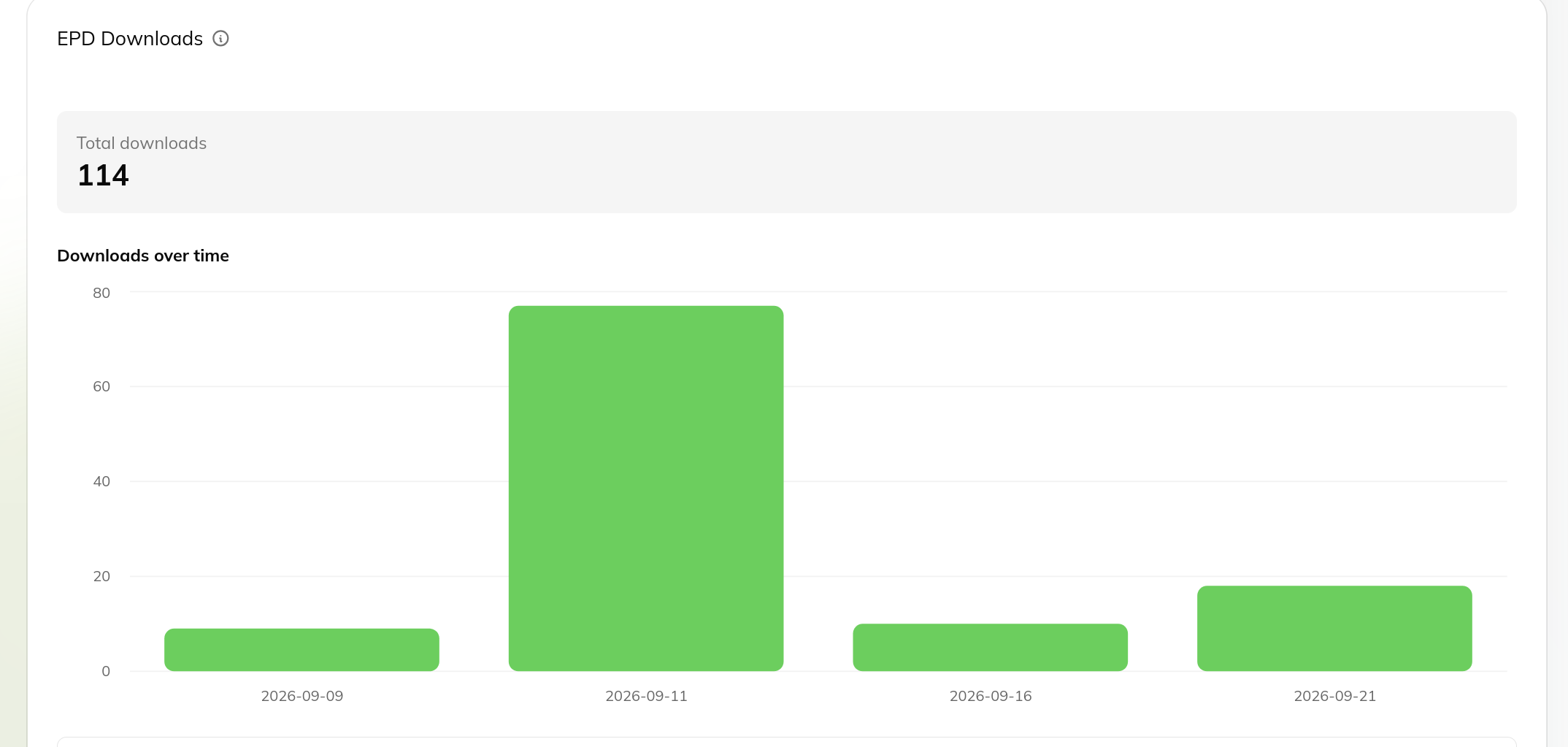
EPD Downloads
How often EPDs published by your organization have been downloaded. Shows the total number of downloads, downloads
over time as a chart, and a table of individual EPDs with owner, version and last download time.
Use the Previous/Next buttons to page through the table.