Getting Started
API User
Accept Your Invitation
As an API user you will receive (or have received) and invitation to ECO Portal.
Accept this invitation by following the instructions in the email.
Profile Page
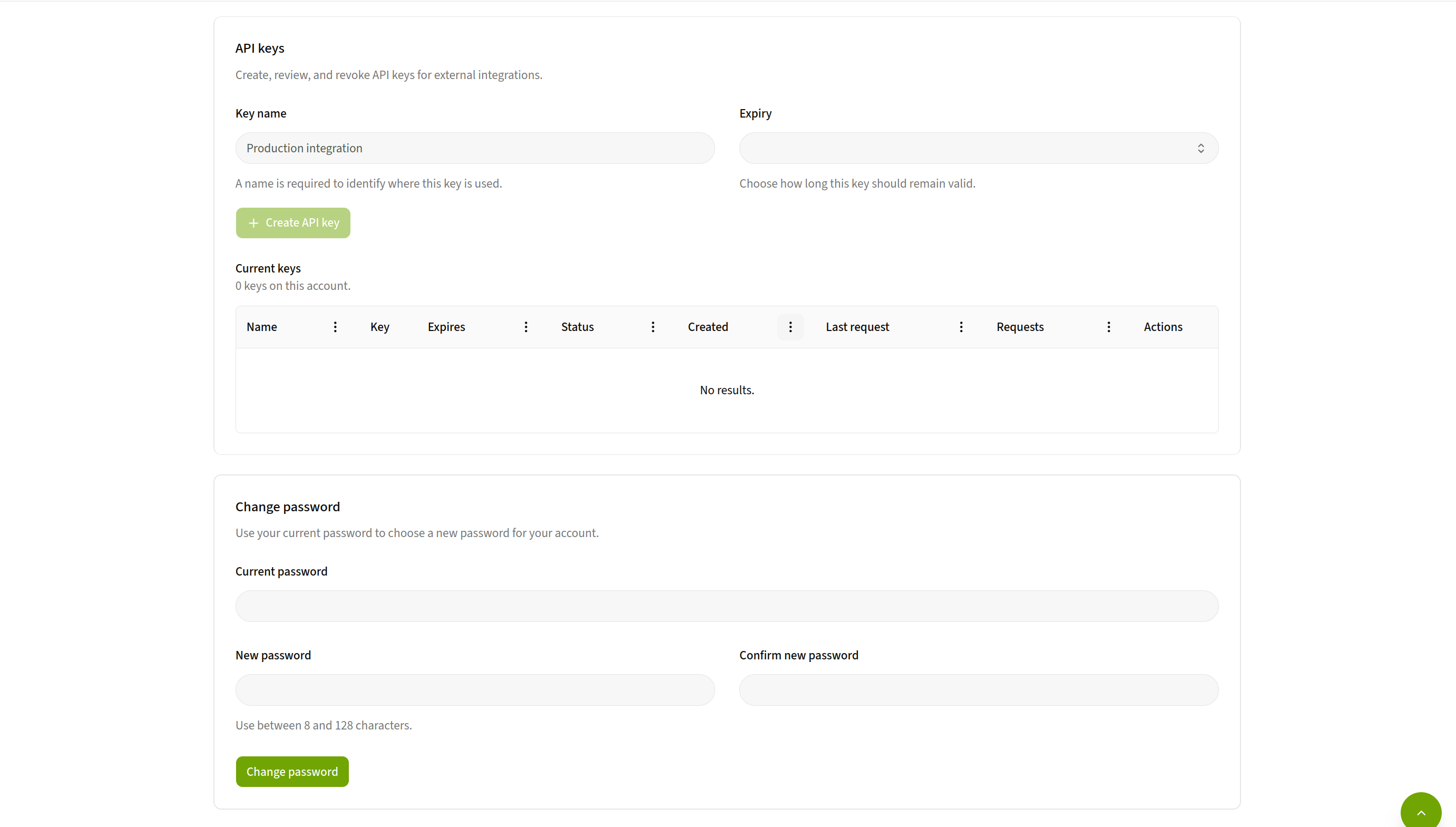
On the profile page you manage user and billing information and passwords. Furthermore, it is here you create your personal API keys.
Organization Page
If you have a “High-Performing” license, you will also have access to an organization page. This page you can use to view and manage colleagues that should access to the ECO Portal and create organization wide API keys.
Learn more about the organization page here.